You’re offline. This is a read only version of the page.

The ESP+ Knowledge Base is a quick-access hub of articles, videos, and content designed to help you navigate ESP+ with confidence and efficiency.

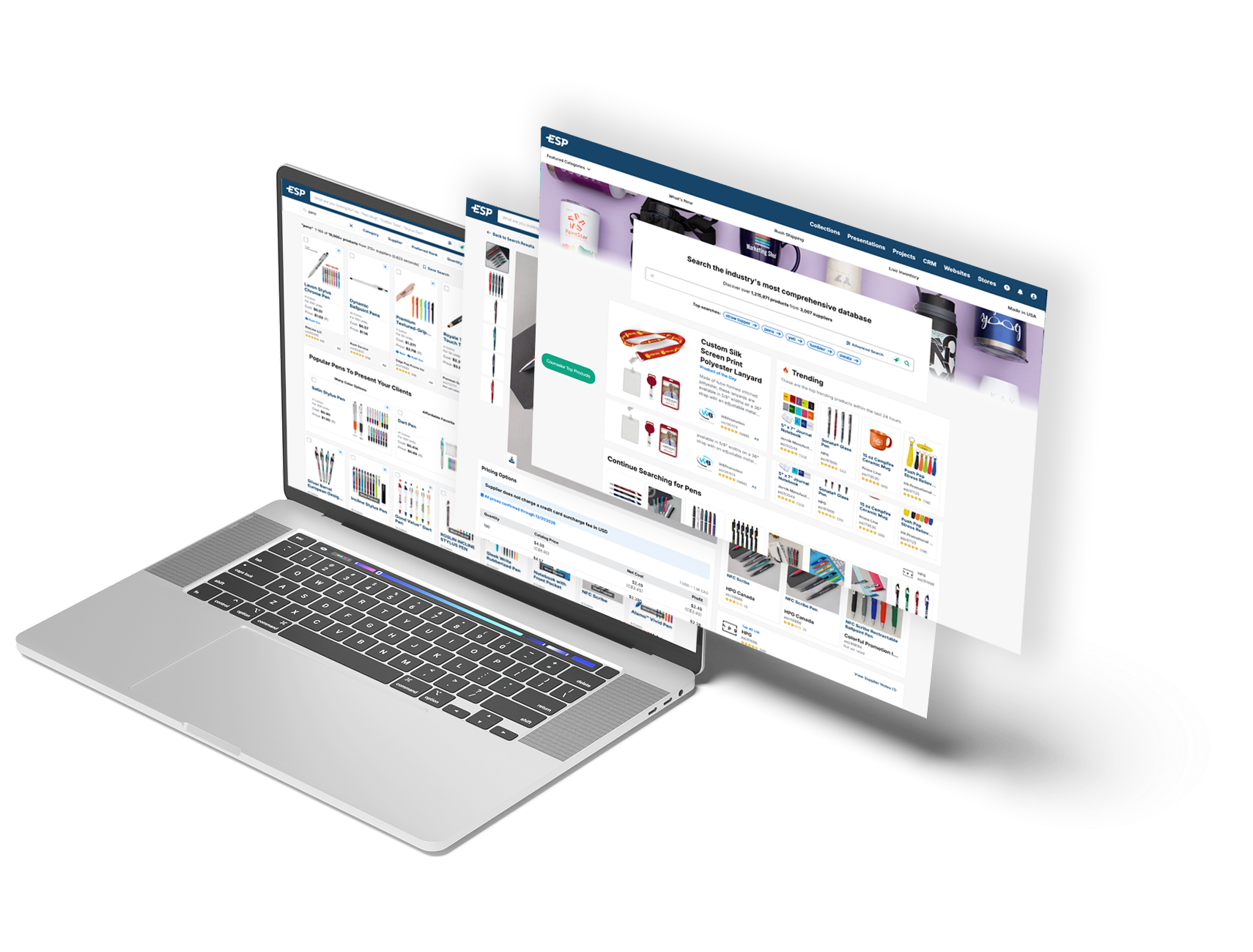
See our best features in action! Click on the thumbnail to launch a video.
Create New Website
Domains and Redirects
Customize Site Content
Manage Site Navigation
Create a Store
Manage Store Products
Order Aggregation
Manage User Accounts
Expand a category to view our step by step articles!
ASI members enjoy special savings with the best services and brands to support your business. Our ASI Business Savings Program partners pass big savings onto our members with savings of $100s to $1000s each year! If you are not an ASI Member, join today and start earning great profits!
Does your company provide business services used by ASI distributors and suppliers? Complete an ASI Business Partner application today for consideration!
ASI members can enjoy exclusive savings from a wide variety of business services, including:
360° CoveragePros*
Protect your business with a comprehensive property and liability insurance policy or cyber insurance policy.
ADP
ADP provides discounted rate on payroll, retirement, insurance and HR services.
Ascentium Capital
Take advantage of financing provided by an award-winning finance lender: Ascentium Capital. Business financing up to $2 million and working capital loans up to $250,000.
Avis
With 4,800 locations in over 140 countries, there's always an Avis nearby to help you with your car rental needs.
Budget
Make your budget go further by getting a great deal on a great car from Budget.
Certified Marketing Consultants, LTD.
Certified Marketing Consultants offers premier financial advisors & consultants to the ad specialty industry.
Constant Contact
Drive more traffic to your website with focused, targeted emailed from Constant Contact.
CST
Take the burden of past due collections off your shoulders with CST's collection solutions. Get free advisory service and a personal consultation.
Dollar Car Rental*
Save off base rates at participating locations.
Experian
Know who you are doing business with by using Experian. Save 15% on a variety of credit reports.
Hertz*
Save on car rentals, as well as earn complimentary membership to the Hertz Gold Plus Rewards® loyalty program.
Hotel Engine
As part of your ASI membership, you'll now have access to Hotel Engine's exclusive booking platform with deeply discounted hotel rates. Save an average of 26% off public rates on over 150,000 hotels worldwide.
Identity Guard®*
Identity Guard is a leading provider of proactive identity theft protection services for consumers and identity risk and credit worthiness assessment services for enterprises.
Lenovo
Lenovo offers ASI Member discounts of up to 30% off on a wide range of Lenovo products, including laptops, tablets, desktops, accessories and more.
LifeLock*
LifeLock, Inc. is a leading provider of proactive indentity theft protection services for consumers and identity risk and credit worthiness assessment services for enterprises.
MMIC*
Build a custom-designed health plan to fit your company's needs and budget. Free negotiation of plans and renewals.
Office Depot Office Max
OfficeMax offers special ASI member discounts on retail, online and phone orders for office supplies.
PromoPayment
PromoPayment is designed specifically for ASI members and allows faster, easier and safer payments.
UPS
ASI Members save up to 50% on shipping with UPS and at least 70% on palletized shipments with UPS Freight.
Xpedite Fulfillment
Xpedite Fulfillment delivers best-in-class warehousing and fulfillment services giving you a higher standard of service to your customers.
*May not be available for ASI Canada members.
In general, there are many industry suppliers who sell through a variety of channels: distributors, retail stores, incentives houses and on the internet. Questions and concerns sometimes arise if and when a supplier sells through different channels, especially at different prices. Legally, ASI cannot have any rules or guidelines directing what channel or channels a supplier might decide to use to sell its product – or what a distributor can or cannot do. Our position is consistent with legal requirements under anti-trust laws, including that we cannot tell anyone what price they can sell their products for or who they can sell to.
Based on discussions with other organizations in the industry, all of us operate with same understanding of what we can or cannot do. We don’t exclude a supplier from membership simply because they sell through another channel, including directly through the web, because that exclusion would not be legal.
However, in ESP and on our website, www.asicentral.com, ASI provides “marketing policy” information in the supplier information area so a distributor can learn whether a specific supplier sells only through industry distributors, or also uses other channels like incentive reps, or even if a supplier sells directly through email marketing campaigns or a website(s). Although this is partly self-reported by suppliers, when ASI sees evidence or hears about examples showing the supplier sells through other channels, we do our best to check it out and make any annotations required to ensure that our marketing policy information is accurate.
The ASI Privacy and Security Policies are also available on ASI Central.
There are a variety of ways you can contact us – email, website links and even online chat, to name a few. Plus, the standards of phone and fax remain. A range of options to suit your preference!
The Product Detail page will display all information about a specific item.
What section would you like to know more about?
The product image will be selected by default and displayed in the main image area. Hovering on the main image enable you to zoom in on the photo. To download a copy of an image to your computer, click on the Download icon in the upper right corner of the main image.
All image thumbnails will be listed to the left of the main image. If the supplier has provided any videos, they will be shown as a play button after the image thumbnails.
Watch this short video of the Images section in action!
In the upper right corner, general descriptive information about the product will be displayed.
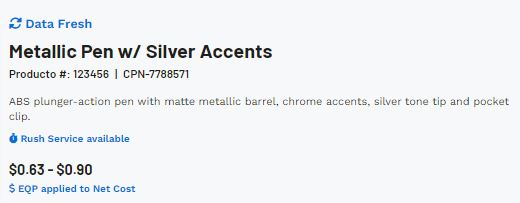
This information includes:
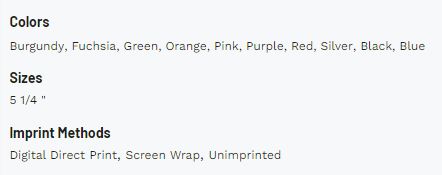
The Quick Info section will display the available product colors, sizes, materials, shapes, and imprint methods. If the supplier has not provided information for a field, it will not be displayed.
Additionally, this section will contain three links:
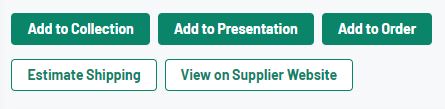
The action buttons enable you to share the product with your customer, add it to order documentation, a presentation, a collection, and/or feature it on an ESP+ Store.
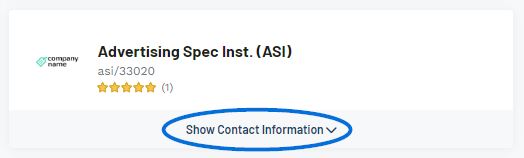
The basic information for the supplier will be shown, including their logo, company name, ASI number, and rating. If any notes have been added for this supplier, a link will appear in the upper right corner. Clicking on this link will open the the supplier detail page in a new tab. You can click on any of these fields to access their full details. To view the supplier's basic contact information, expand the Show Contact Information section.
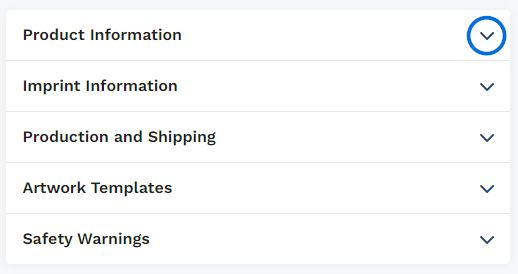
The available sections in this area will vary depending on the information provided by the supplier, but can contain up to six (6) options which can be expanded by clicking on the arrow.
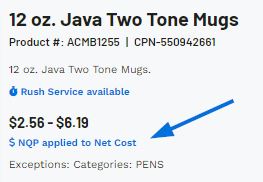
If the Supplier has put this item on a special, such as Free Setup or NQP, a blurb will appear below the product image and above the pricing options describing the special.

If you used the "Get Inspired with AI" option to conduct your search, directly below the image on the product detail page, there will be a section containing information on how this product would be beneficial for the search terms you provided.

An item may contain multiple price grids depending on its attributes. For example, a T-Shirt might be one price for standard sizes but cost more for extended sizes.
If an item contains more than one base price grid, use the dropdown under Base Pricing Option to select which pricing information you would like to view. You can also click on the View all Price Grids link to see all pricing options.
Watch this short video of the Pricing Options in action!
If a product contains inventory information provided by the supplier, it will be displayed in the inventory section. Use the dropdown to choose the option for which you would like to view inventory information or click on the View Inventory Grids to see the information for all options.